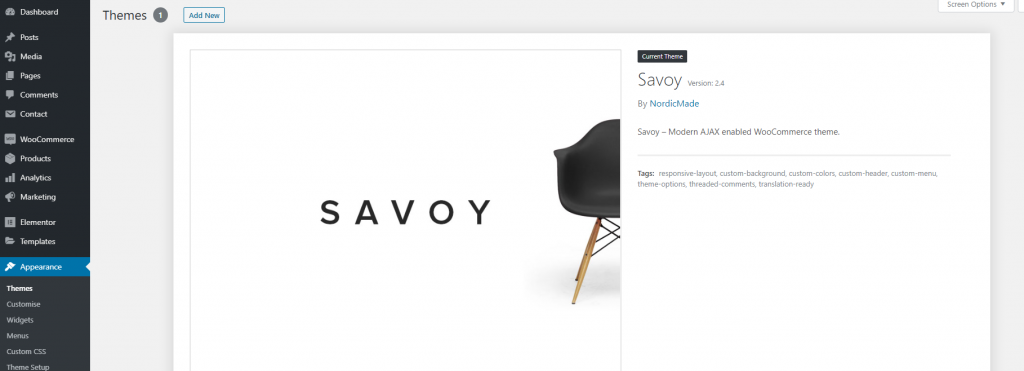
You can easily identify the theme your site uses. You can do this by:
- Logging in to your WordPress admin panel.
- Click Appearance > Themes on the left side menu
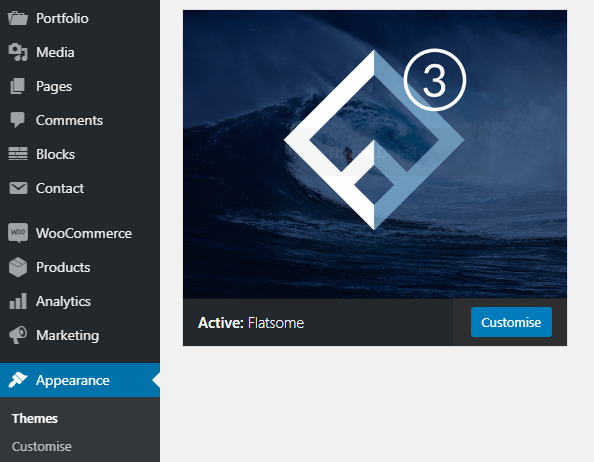
You will then see what theme is active. This is the theme your site uses.
The example below shows the Flatsome theme as active.
The example below shows the Savoy theme as active.